LogoWonderful Launcher
  • Home
  • Pricing
  • Docs
  • Download
LogoWonderful Launcher

We take care of ComfyUI recovery and diagnostics. You keep shipping work.

GitHub
Product
  • Product Overview
  • How It Works
  • Pricing
Resources
  • Documentation
  • Download
Legal
  • Privacy Policy
  • Terms of Service
  • Refund Policy
© 2026 Dreamega Information Technology LLC.
Windows build available now

Download Wonderful Launcher for Windows

Install the Windows launcher that helps you start ComfyUI faster, diagnose broken environments, and keep model-heavy workflows organized.

Use it when ComfyUI setup, missing nodes, plugin import errors, or model paths are costing more time than the creative work itself.

Current Version: v2.0.49

Windows is the main ComfyUI workbench today
CUDA

The current release focuses on Windows because that is where most CUDA, plugin, model, and portable-install friction shows up first. macOS and Linux remain roadmap platforms.

Download for Windows v2.0.49
View Full Changelog

Launch + Agent

Start ComfyUI with diagnostics nearby

Keep launch status, logs, and Agent-assisted troubleshooting close together when startup fails.
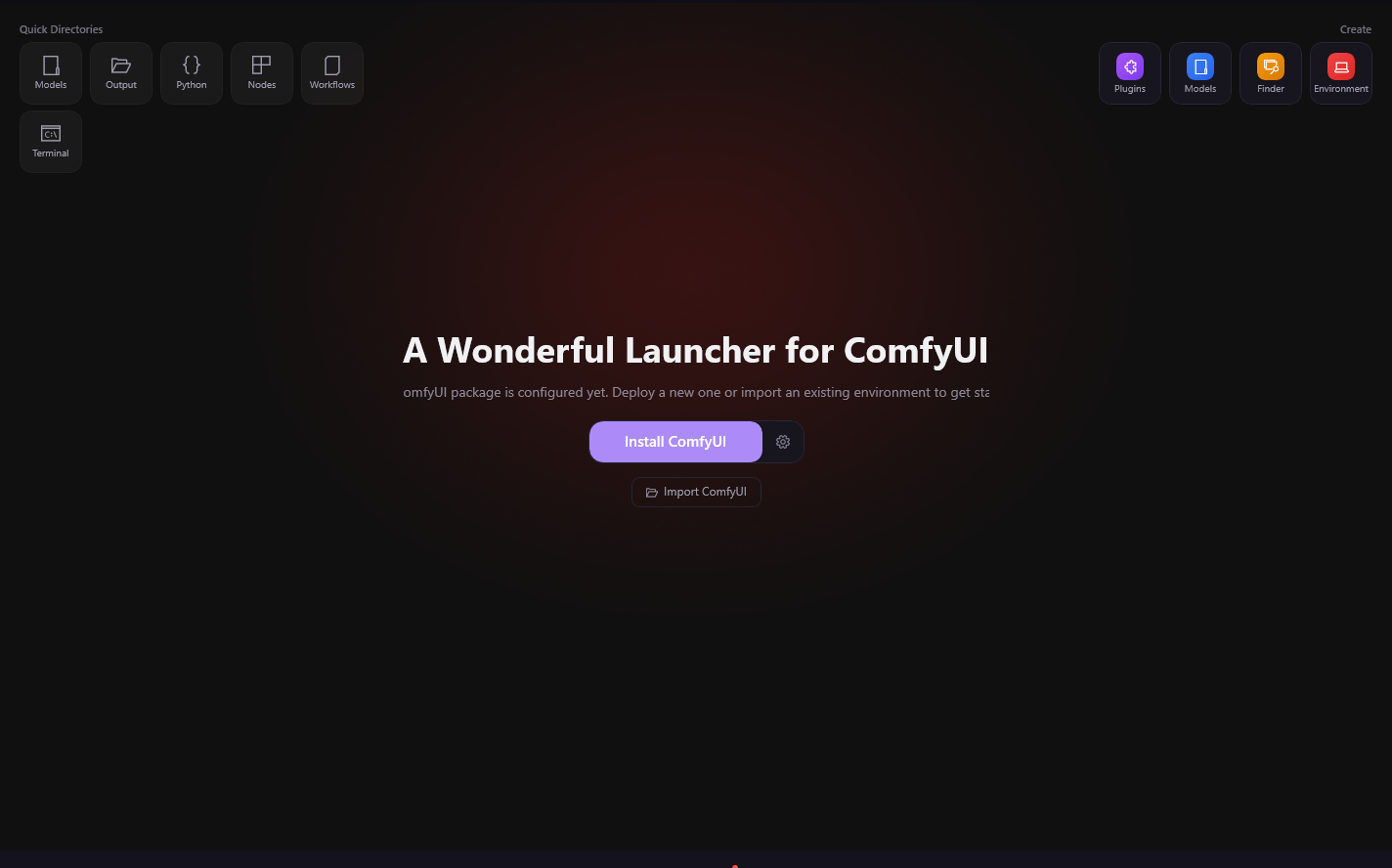
Start ComfyUI with diagnostics nearby

What to do after install

Install the launcher

Use the desktop launcher as the front door instead of starting with manual Python and CUDA repair.

Connect or create a ComfyUI setup

Models + runtime

Find the model problem before it becomes a long manual search

Use ModelFinder, cloud catalog context, and runtime checks to understand what a workflow is asking for.
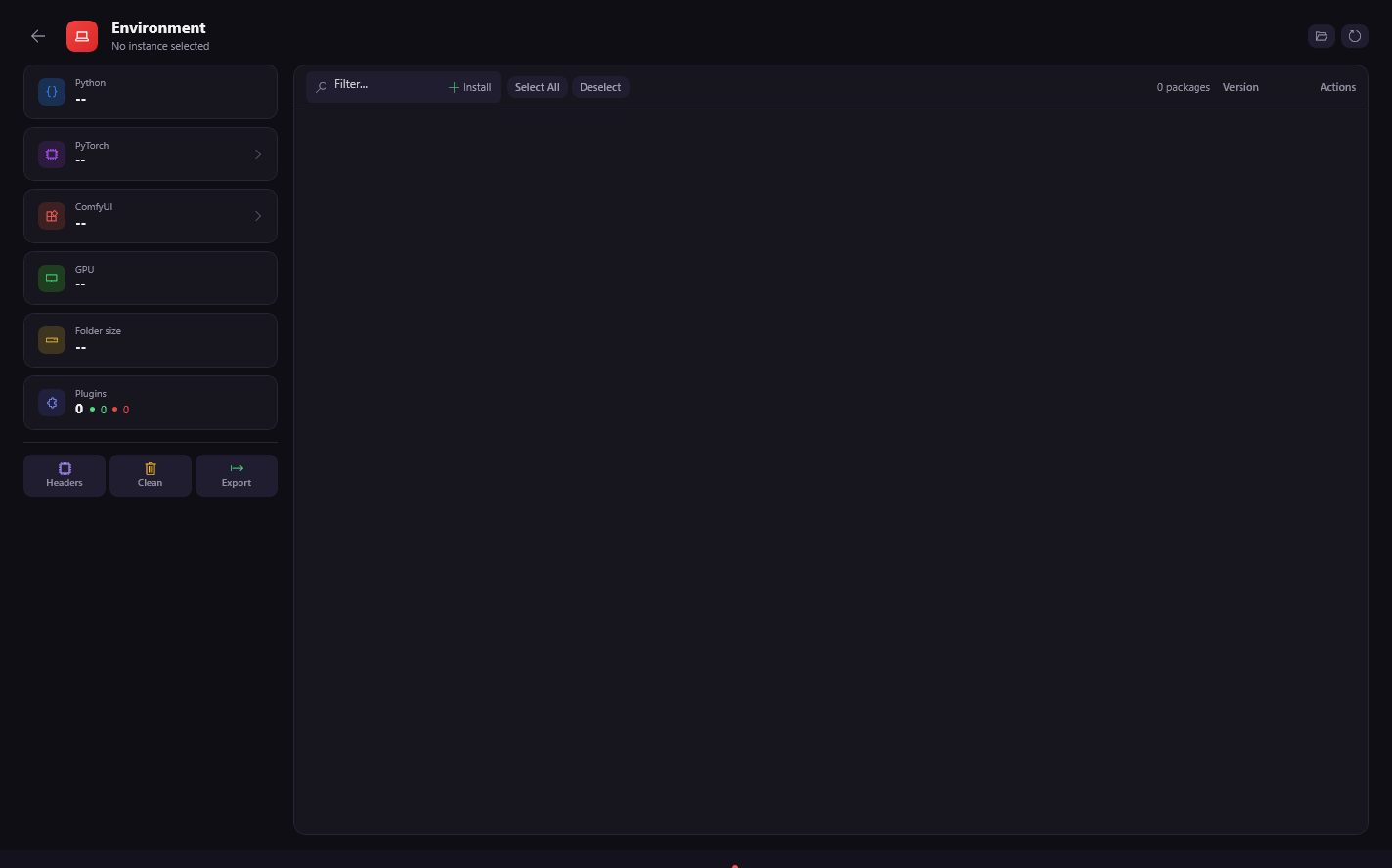
Find the model problem before it becomes a long manual search
Best fit for this download

You are new to ComfyUI and want fewer setup decisions before the first useful run.

You import workflows and keep hitting missing nodes, missing models, or plugin import failures.

You already know ComfyUI, but you want to stop spending repeated time on environment maintenance.

Probably not the first stop if

You only want a throwaway demo install and have no current assets to protect.

You specifically need a polished macOS or Linux release today.

Choose the next step after download

Start in the launcher

Open the app, connect ComfyUI, and let the launcher show the next setup or repair step.

Use docs for public fixes

Read specific guides when you want the manual explanation behind a node, model, or startup failure.

macOS Apple Silicon

MPS

Coming Soon

macOS Intel

CPU

Coming Soon

Bring an existing install under control, or start from a clearer managed surface.

Resolve the next blocker

Let Agent diagnostics, missing-node checks, model lookup, and runtime context point to the next repair.

Use Agent when the failure is unclear

Agent help is there for the cases where logs, imports, and package state need interpretation.

See pricing

Linux

CUDA

Coming Soon
Browse model tools
Read troubleshooting guides
Download for Windows
Browse docs