LogoWonderful Launcher
  • Product
  • Pricing
  • Solutions
  • Docs
  • Blog
  • Get Help
  • Download
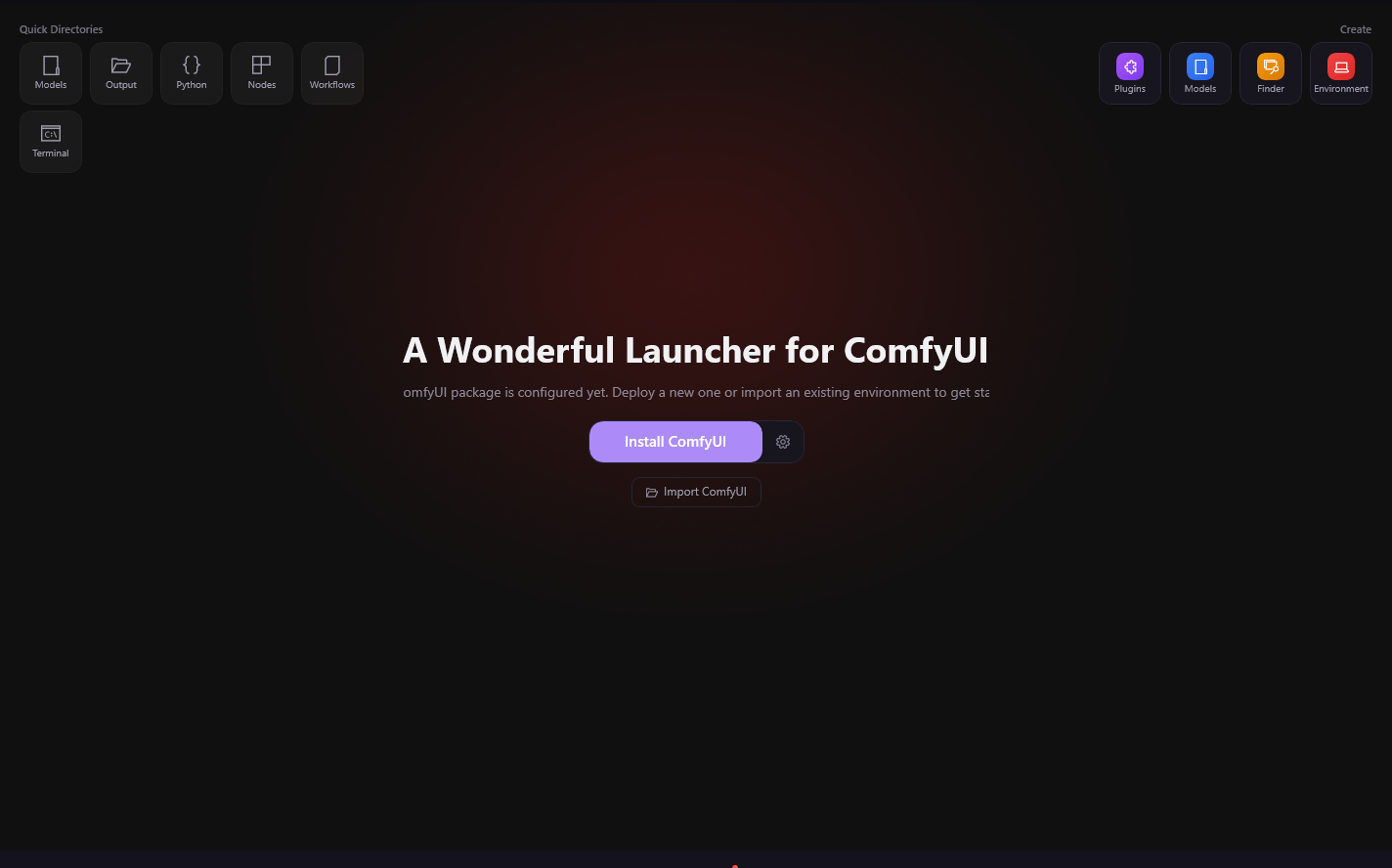
Wonderful Launcher for ComfyUI

The easier way to install and maintain ComfyUI

Wonderful Launcher handles installation, dependencies, models, and plugins in one app. Install, maintain, and recover ComfyUI — so you can focus on creating.

Free Download
View Pricing
475+ downloads
|
One-click install
|
Free to use

Built by the Wonderful Launcher team — we don't just use ComfyUI, we build tools for it.

Why ComfyUI breaks in real use

The highest-cost failures usually happen after install

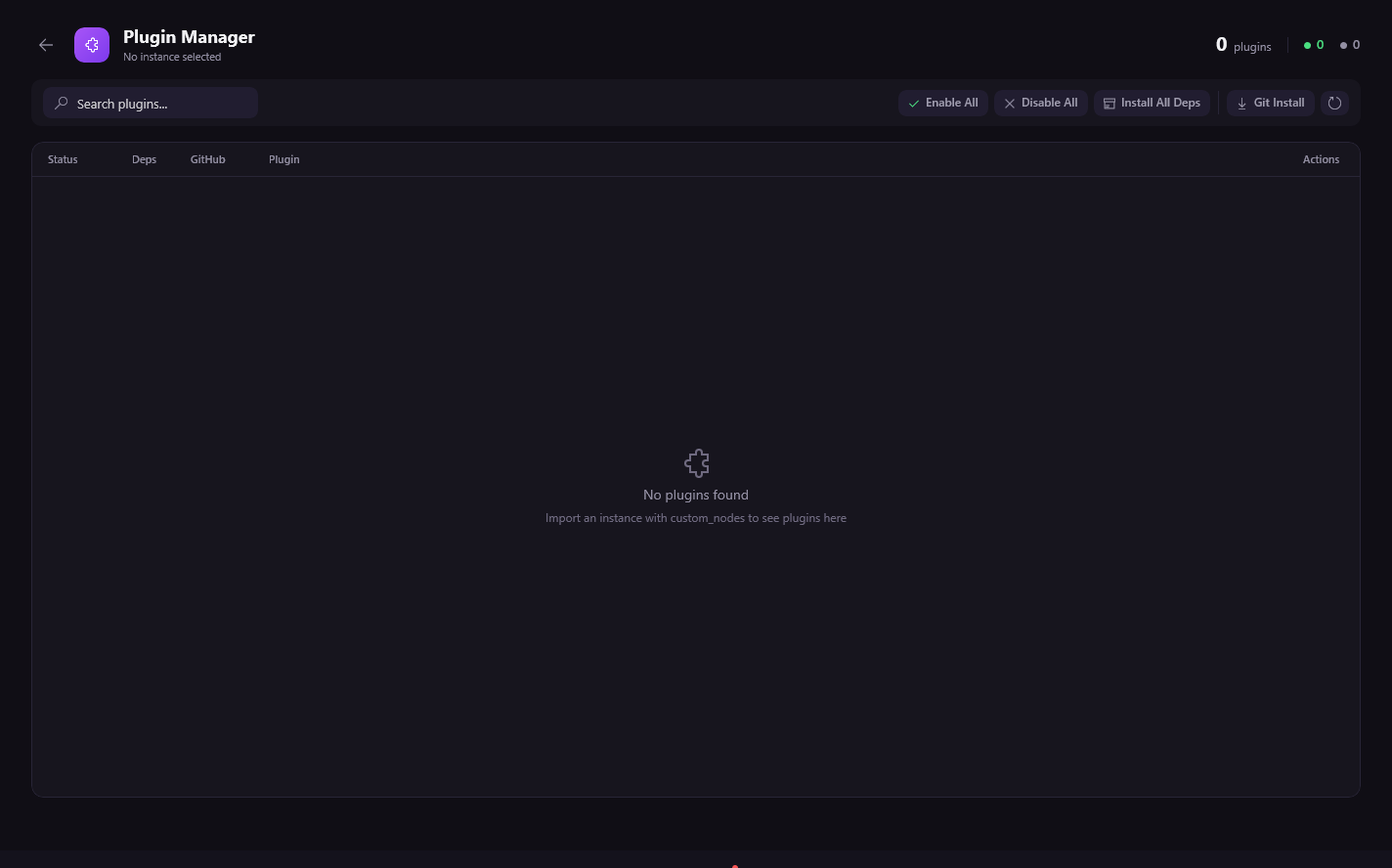
Plugin installs quietly break imports

A custom node adds one dependency, another plugin stops importing, and now your workflow opens with red errors.

Startup crashes after one bad downgrade

A single package change can knock out Torch, CUDA, or another critical dependency and prevent ComfyUI from launching.

Existing installs become fragile to repair

Once Desktop or portable builds drift out of sync, fixing them usually means scattered logs, shell commands, and reinstall risk.

Wonderful Launcher helps you recover faster, with less terminal work and less risk to your environment.

Recover ComfyUI in 3 steps

Download, take over your environment, fix what broke

1

Download the launcher

Install Wonderful Launcher without setting up Python by hand or starting from a blank environment.

2

Connect your existing ComfyUI setup

Take over Desktop or portable installs, import workflows, and see what is missing before you touch more commands.

3

Recover and keep creating

Resolve plugin, startup, and dependency failures with a workflow built for recovery instead of repeated reinstalls.

Why broken environments recover faster in Wonderful Launcher

Self-recovery first, expert help when you need it

Designed for real ComfyUI setups with plugins, workflows, and upgrade mistakes already in the wild.

Why broken environments recover faster in Wonderful Launcher

Designed for real ComfyUI setups with plugins, workflows, and upgrade mistakes already in the wild.

Take a broken workflow, identify what failed to import, and recover faster than piecing together commands from scattered guides.

What users actually need fixed

High-conversion ComfyUI problems Wonderful Launcher is built for

Dependency Conflicts

Package drift between custom nodes, Torch, CUDA, and core libraries that makes ComfyUI unstable

View Guide
Startup and GPU Failures

ComfyUI not launching, CUDA unavailable, or Torch silently downgraded into a broken state

View Guide
Plugin Import Failed

Custom nodes installed but not loading, red nodes after restart, or imports failing on startup

View Guide
Workflow Import Breakage

Imported workflows that fail because models, nodes, or environment assumptions do not match your machine

View Guide
ComfyUI Won't Start

Install and bootstrap failures, missing helpers, Python errors, and broken launch sequences

View Guide
Recovery Without Reinstalling

Fix the environment you already have instead of rebuilding everything from scratch and re-downloading assets

View Guide
View All Solutions

Why users replace ComfyUI Desktop

Wonderful Launcher is built for recovery, not just first-time setup

Manual RepairComfyUI DesktopWonderful Launcher
Recover after a break30-90 min+Often reinstallUsually minutes
Plugin-safe updatesManualFragileBuilt-in
Take over existing installsPossible but slowLimitedBuilt-in
Guided diagnosticsLogs onlyMinimalBuilt-in
Best fitExperts with spare timeFirst-time installsStudios, teams, paid creators

People usually come to us after the environment has already gone wrong

M.K.

M.K.

Independent Visual Designer

Berlin, Germany
Startup failed on a new GPU build
~30 min

I upgraded hardware for local generation and ComfyUI would not even start. The problem was not the workflow, it was the environment. That is why recovery-focused tooling mattered more than another install guide.

Translated
J.K.

J.K.

Finance Professional / AI Video Hobbyist

Singapore
Video workflow kept crashing
~25 min

I lost evenings trying to stabilize a video setup. What I needed was a faster recovery loop, not more scattered commands. Once the environment was stable, the workflows became usable again.

Translated
A.P.

A.P.

Small Studio Operator

Jakarta, Indonesia
Fresh install kept failing
~35 min

We expected a quick setup on a new studio machine. Instead, downloads and plugin setup kept failing. What mattered most was not another tutorial, but getting to a stable environment without wasting the whole day.

Translated
N.K.

N.K.

Product Photographer

Bangkok, Thailand
Cloud workflow broke locally
~25 min

Moving to local ComfyUI saved money, but the imported workflow was full of red errors. Recovery took priority over customization. Once the setup was repaired, I could finally use the workflow as part of real work.

Translated
Rafael S.

Rafael S.

AI Video Creator

Sao Paulo, Brazil
Plugin dependency chain was broken
~35 min

I got stuck on a plugin issue that support docs did not really solve. The biggest win was having a clearer path to recover the environment instead of guessing which package had broken everything.

Translated
Shun B.

Shun B.

Independent Developer

Tokyo, Japan
Official install ended in dependency hell
~20 min

The install itself was not the hard part. The hard part was recovering after the environment drifted. That is where a better recovery workflow would have saved me a full weekend.

Translated

FAQ

Questions users ask before they stop reinstalling ComfyUI

AI Credit Packages

AI Assistant billing is dynamic: a session starts from the base turn cost, then adds actual tool calls and estimated token usage. The final deduction is calculated by the server. Purchased credits stay valid for 180 days.

Popular
$5.99
500Credit Balance

500 credits, valid for 180 days

$9.99
1,200Credit Balance

1,200 credits, valid for 180 days

Recover ComfyUI before you reinstall everything

Download Wonderful Launcher to fix broken environments, take over existing installs, and keep shipping work.

Download Wonderful LauncherGet Expert Help

Need an expert to take over?

Start with launcher-based self-recovery. If the environment is still broken, book live expert help for plugin, dependency, and startup failures.

Fast triage

We focus on the plugin, dependency, or startup failure first so you know what actually broke.

Live recovery session

Watch an expert repair the environment step by step instead of guessing through commands alone.

Protect your setup

We optimize for less reinstalling, less re-downloading, and less risk to your workflow assets.

Download LauncherGet Expert Help
LogoWonderful Launcher

We Take Care of ComfyUI, You Take Care of Art

Dreamega Information Technology LLC

Product
  • Features
  • Pricing
  • Solutions
  • FAQ
Resources
  • Blog
  • Documentation
  • Get Help
Company
  • About
  • Contact
  • Waitlist
Legal
  • Cookie Policy
  • Privacy Policy
  • Terms of Service
  • Refund Policy
© 2026 Dreamega Information Technology LLC. All Rights Reserved.