LogoWonderful Launcher
  • Home
  • Pricing
  • Docs
  • Download
LogoWonderful Launcher

We take care of ComfyUI recovery and diagnostics. You keep shipping work.

GitHub
Product
  • Product Overview
  • How It Works
  • Pricing
Resources
  • Documentation
  • Download
  • Compare
Legal
  • Privacy Policy
  • Terms of Service
  • Refund Policy
© 2026 Dreamega Information Technology LLC.
Windows build available now

Download Wonderful Launcher for Windows

Download the Windows build of Wonderful Launcher and inspect the ComfyUI setup you already have before reinstalling anything.

If this machine already contains models, nodes, workflows, or paid work, Wonderful Launcher is the safer starting point than rebuilding the whole environment from scratch.

Current Version: v2.0.26

Windows is the main recovery path today
CUDA

The current release is built around Windows takeover and recovery workflows. macOS and Linux stay visible as roadmap platforms, not primary launch paths yet.

Download for Windows v2.0.26
View Full Changelog

Launch + logs

See startup state and logs in the same surface

Keep launch status and logs together so you can understand the failure before you start replacing packages.
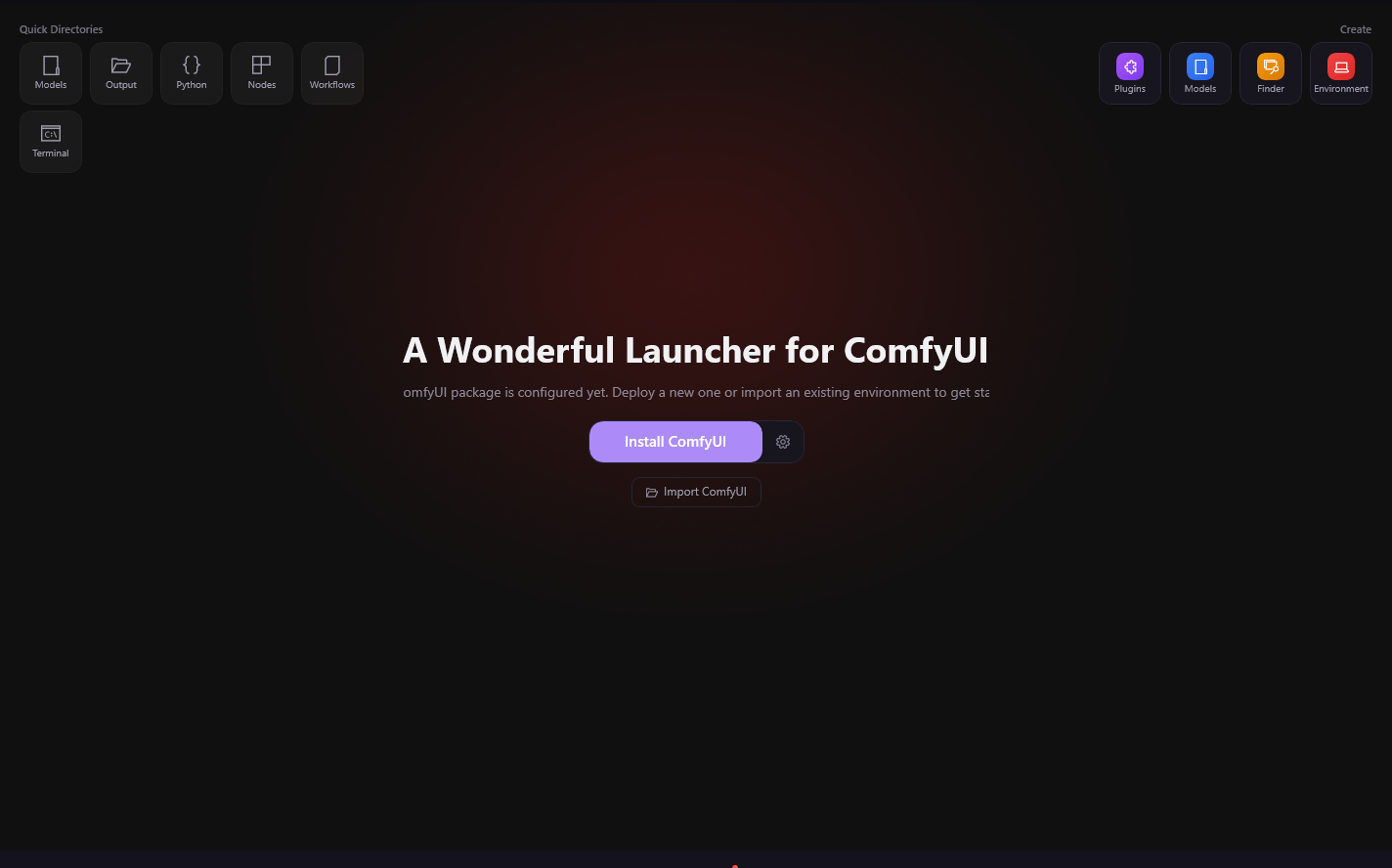
See startup state and logs in the same surface

What to do after install

Install the launcher

Start with the Windows build instead of rebuilding a fresh Python environment first.

Connect the current ComfyUI setup

Environment view

Inspect Python, Torch, GPU, and packages before you touch them

The first win in a drifting environment is clarity. This view shows the runtime you actually have, not the one you assume.
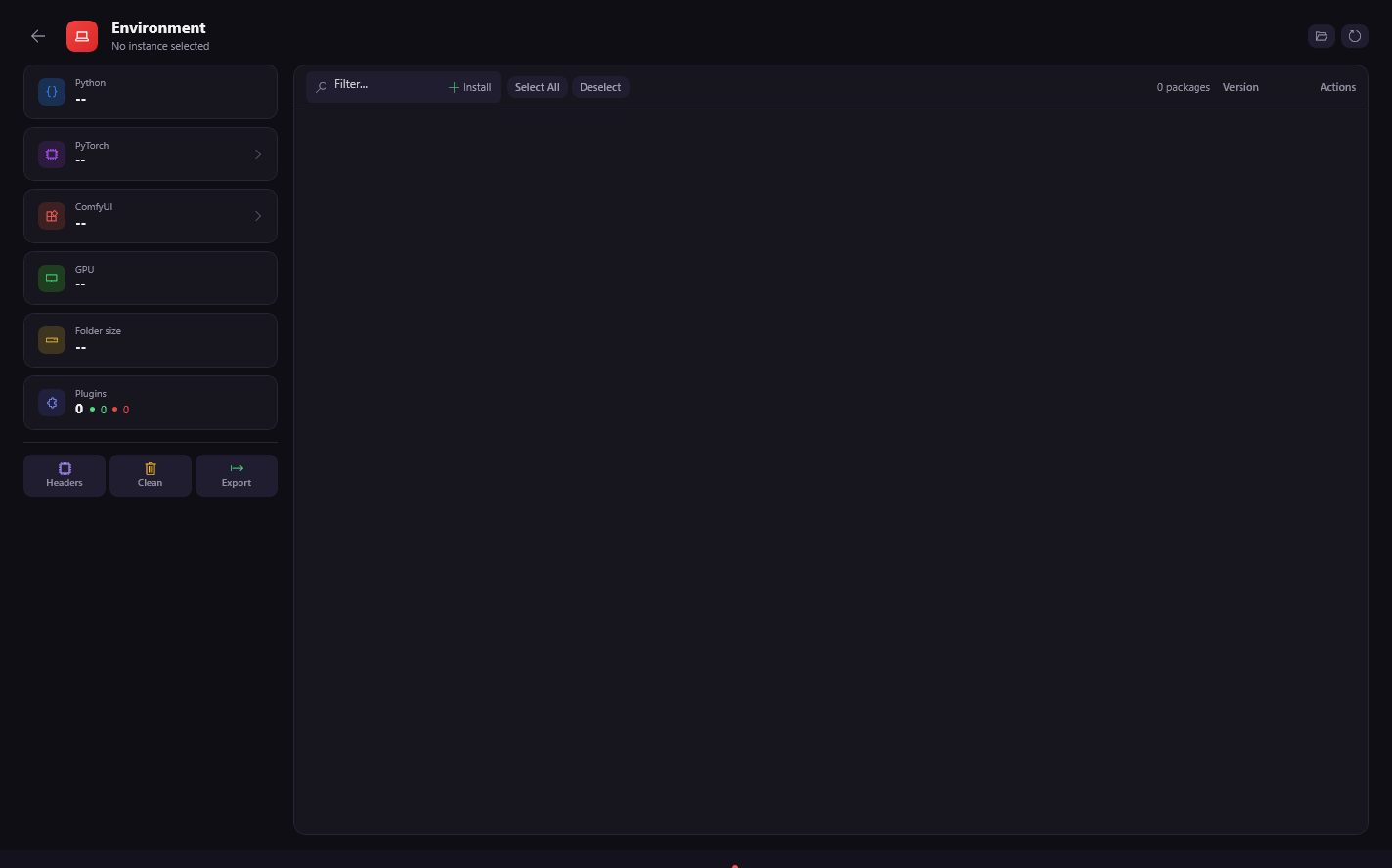
Inspect Python, Torch, GPU, and packages before you touch them
Best fit for this download

You already have a ComfyUI install, plugin stack, or workflow library that keeps drifting or breaking.

You want one place to inspect startup logs, runtime versions, and package context.

You want a recovery path before you consider deeper paid diagnosis.

Probably not the first stop if

You only want a throwaway demo install and have no current assets to protect.

You specifically need a polished macOS or Linux release today.

Choose the next step after download

Start with recovery in the app

Use the launcher first to inspect the environment and import the workflow that broke.

Use docs as the public explanation layer

macOS Apple Silicon

MPS

Coming Soon

macOS Intel

CPU

Coming Soon

Take over the install already on the machine before you change more packages.

Inspect and recover

Use logs, runtime checks, and workflow inspection to decide what to repair next.

Compare vs ComfyUI DesktopRead recovery guides

Keep the docs nearby when you want to understand a specific fix or compare recovery paths.

Use credits only for deeper guided diagnosis

Credits exist for when the app needs to go further on analysis and next-step guidance.

See pricing

Linux

CUDA

Coming Soon
Download for Windows
Browse docs